
Accessing the Screen
From the Dashboard, click the more options icon (3 dots in the upper right hand corner) on the SaaStimates app tile and select About Us / Footer.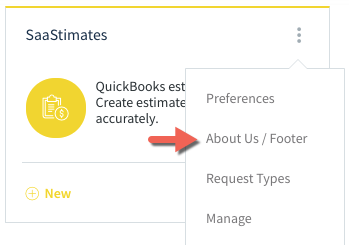
Screen Options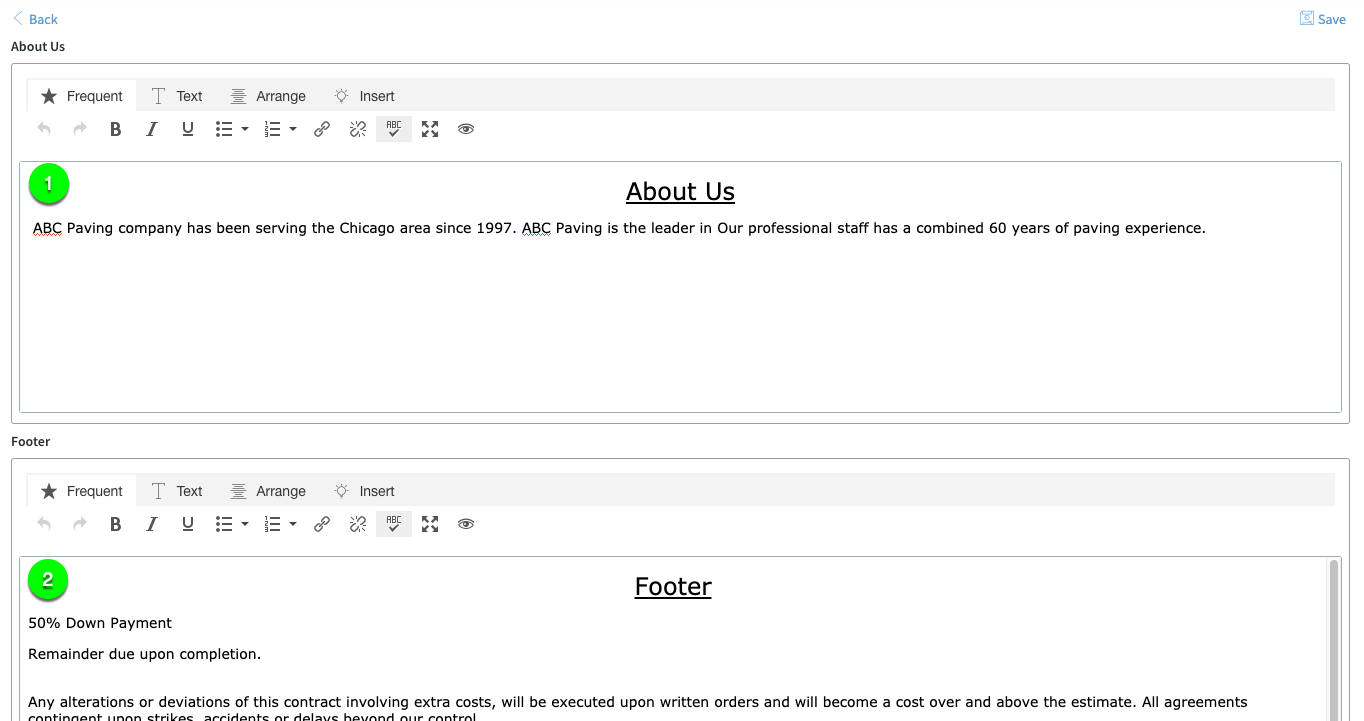
- About Us- The second page of the Detailed Estimate contains the About Us section which is an opportunity to highlight your company and what sets you apart from the competition.
- Footer- The Footer appears at the end of all estimates. The footer can contain terms and conditions and any other information that should appear on estimates.
Comments
0 comments
Please sign in to leave a comment.